 Nick Trenkler
on april 3, 2026, telegram shipped bot api 9.6 with a feature called managed bots. it lets developers build a management bot that can create and fully control other bots on behalf of users. the user experience is frictionless: click a link, confirm a name, and a working bot is live. user doesn't have to interact with botfather interaction, no tokens, no code.
for ai builders, this is infrastructure. you can now build platforms where any of telegram’s 950 million users can deploy their own ai agent, customer support bot, or custom tool all managed through your system. this guide walks through exactly how to set it up.
how managed bots work
the architecture is straightforward. you build a management bot. that bot gets the ability to create child bots on behalf of users. when a user creates a bot through your system, you receive the new bot’s token and can control it entirely via the bot api - responding to messages, setting commands, updating profiles, handling payments, everything.
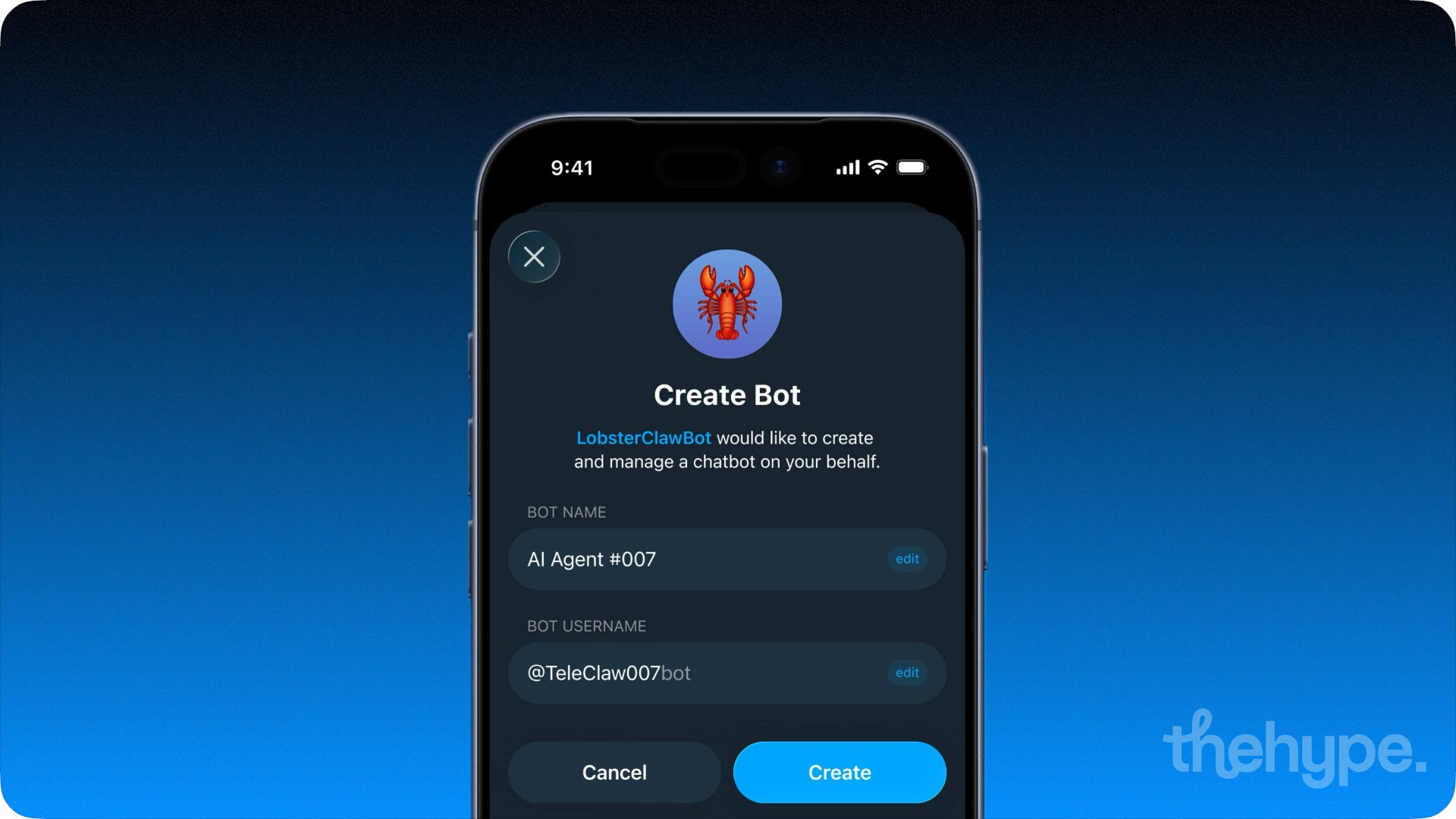
users interact with a simple link. they tap it, see a pre-filled bot name and username, confirm, and their bot exists. your backend handles the rest.
step-by-step implementation
step 1: create your management bot
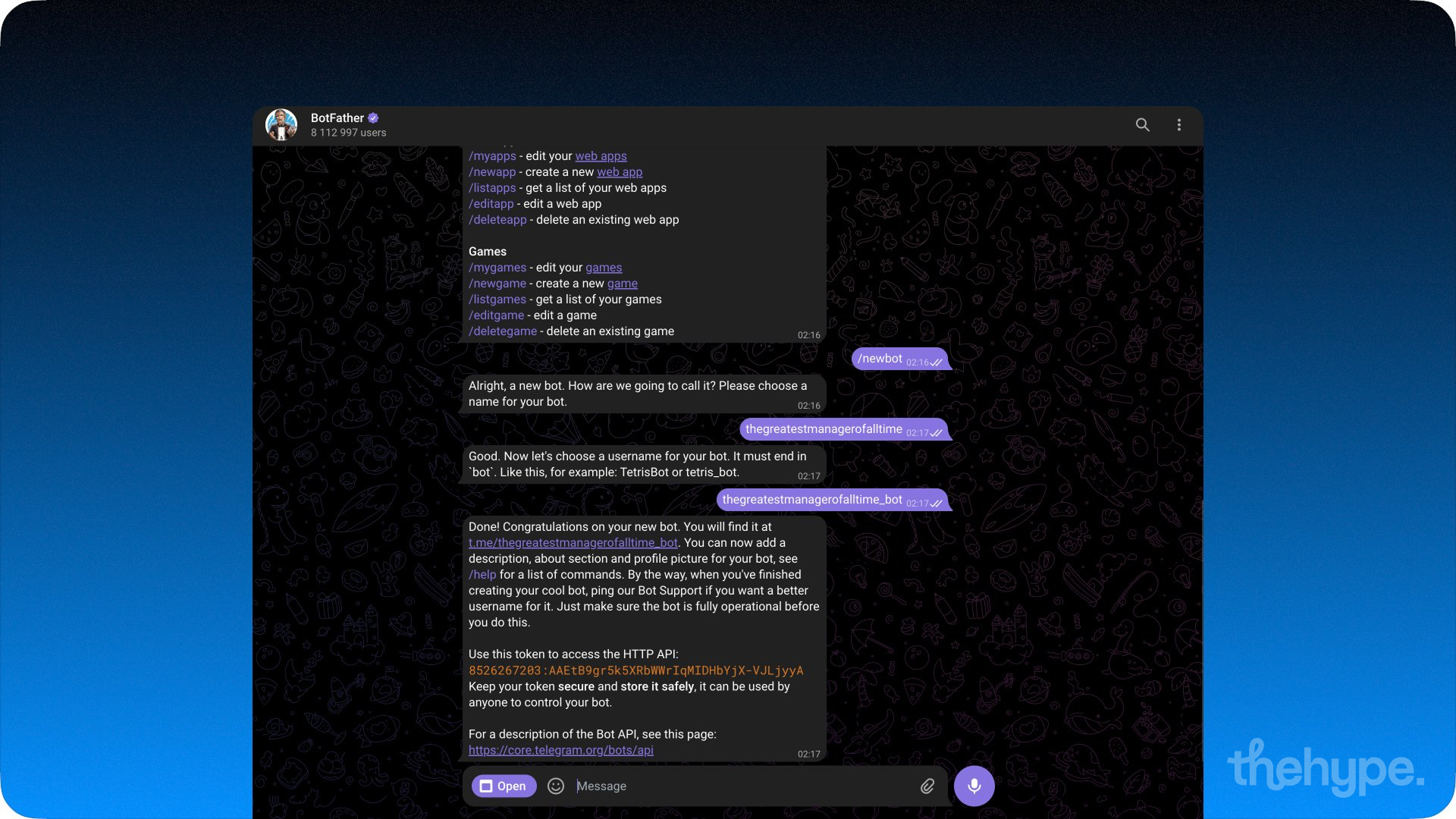
start by creating the bot that will act as your manager. go to @BotFather on telegram, send /newbot, choose a name and username, and save your authentication token. if you already have an existing bot you want to use as the manager, you can skip this step.
step 2: enable bot management mode
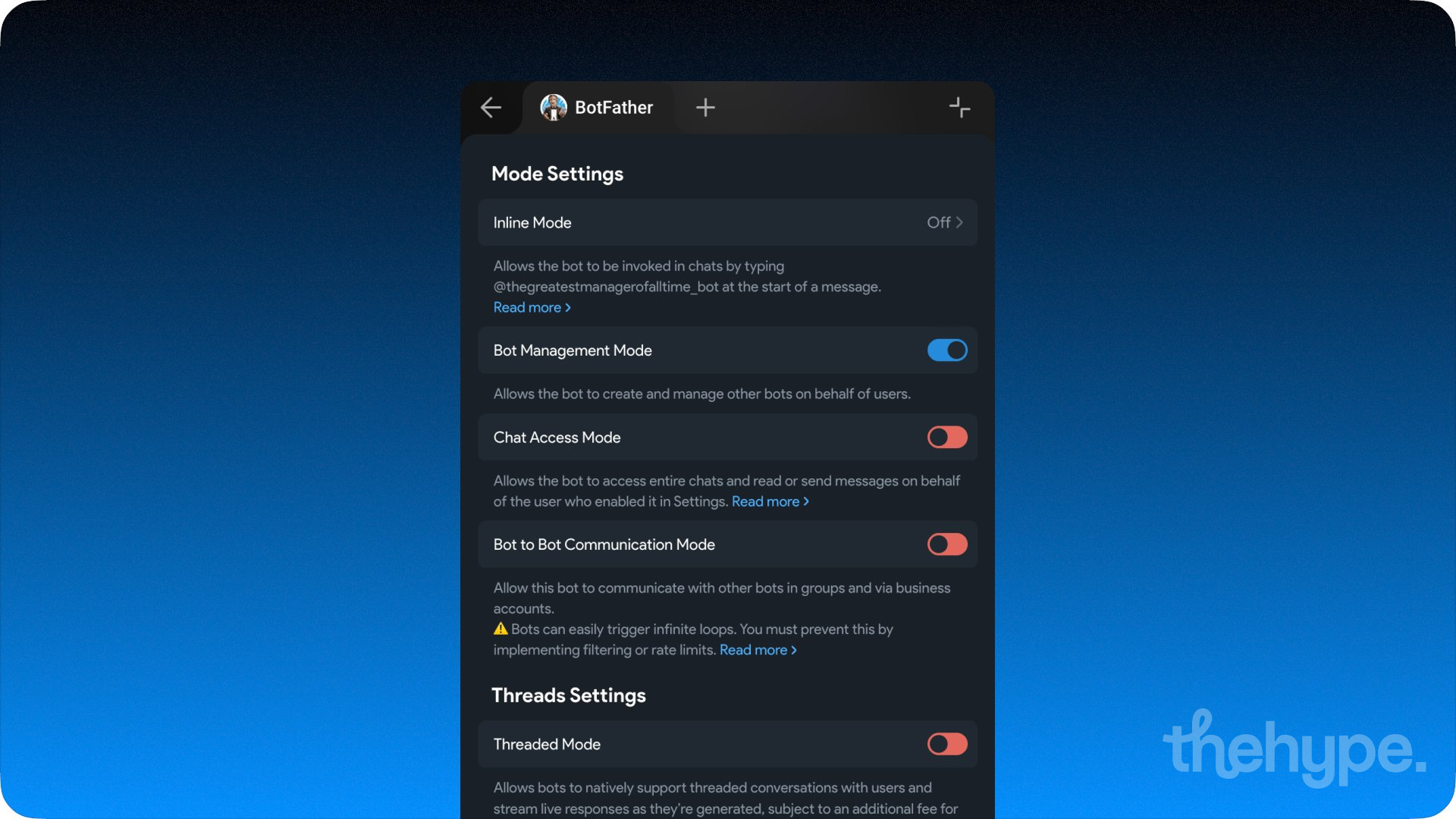
open your bot’s settings in botfather’s miniapp (https://t.me/BotFather?startapp) and enable “bot management mode.” this is the toggle that grants your bot the can_manage_bots capability. you can verify this is active by calling the getMe method - the response’s User object should include can_manage_bots: true.
step 3: generate a creation link for users
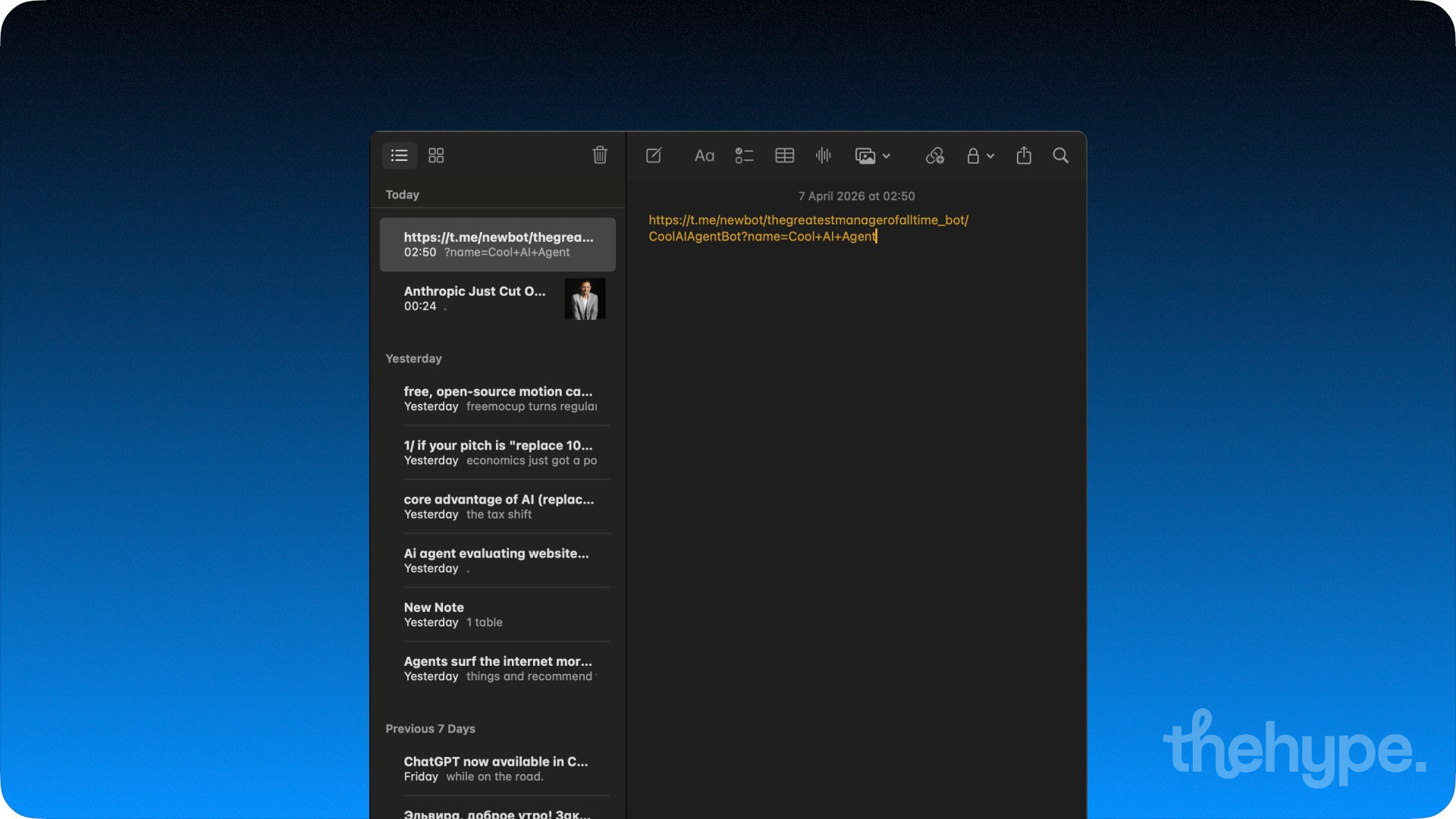
telegram supports a dedicated link format for managed bot creation:
https://t.me/newbot/
{manager_bot_username}/{suggested_bot_username}[?name={suggested_bot_name}]
for example, if your management bot is @thehypeaibot:
https://t.me/newbot/thehypeaibot/CoolAIAgentBot?name=Cool+AI+Agent
the suggested_bot_username and suggested_bot_name are pre-filled in the creation ui but remain editable by the user. the username must end in “bot” per telegram’s standard requirements.
step 4: handle the user flow
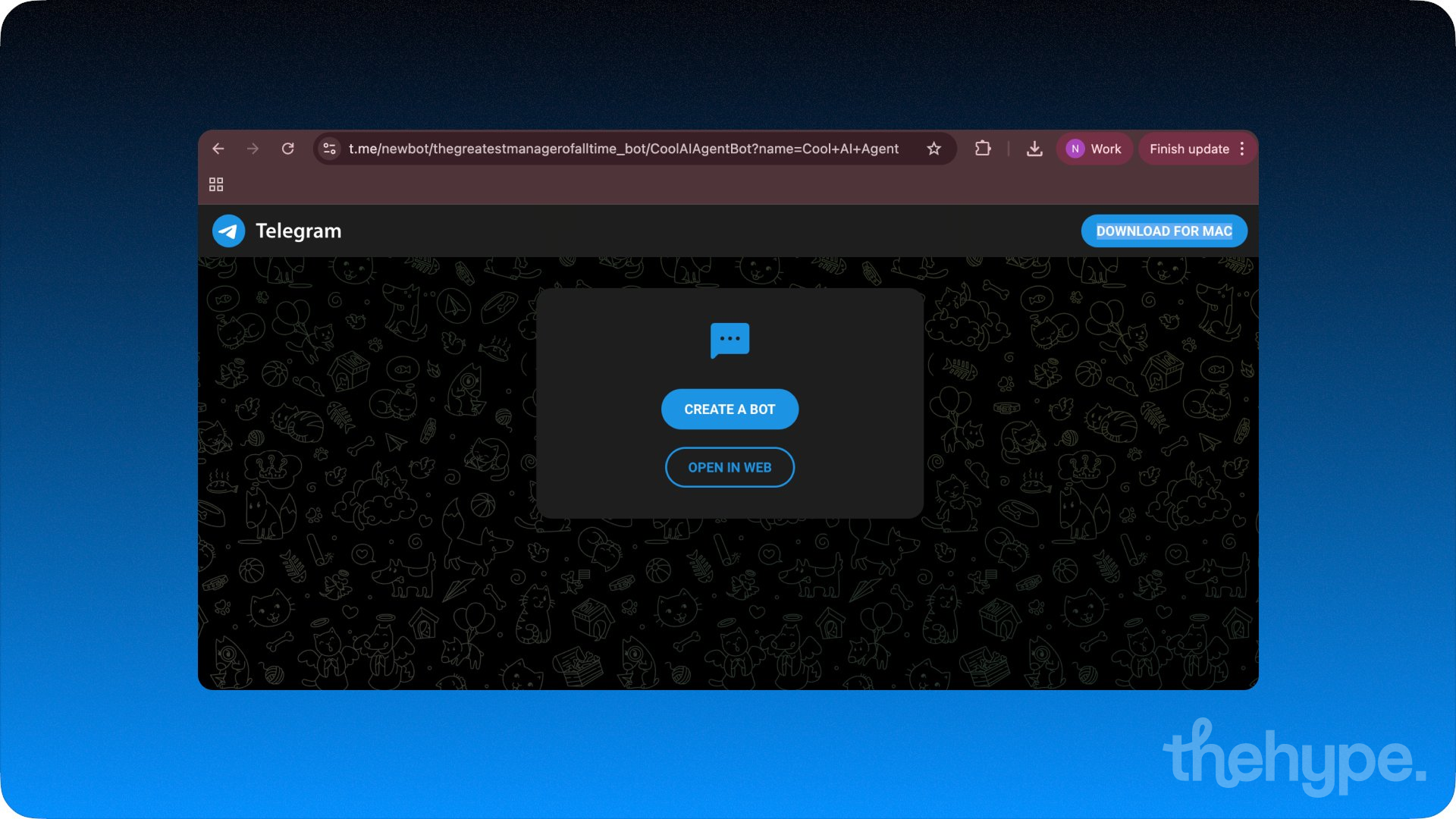
when a user opens the creation link, telegram shows them a confirmation screen with the bot’s username and display name pre-filled. the user taps to confirm, and the bot is created instantly.
your management bot then receives an Update with the managed_bot field populated. this contains a ManagedBotUpdated object with basic information about the newly created bot and its creator. you also receive a ManagedBotCreated service message in the chat with the user via the managed_bot_created field in Message.
step 5: fetch the managed bot’s token
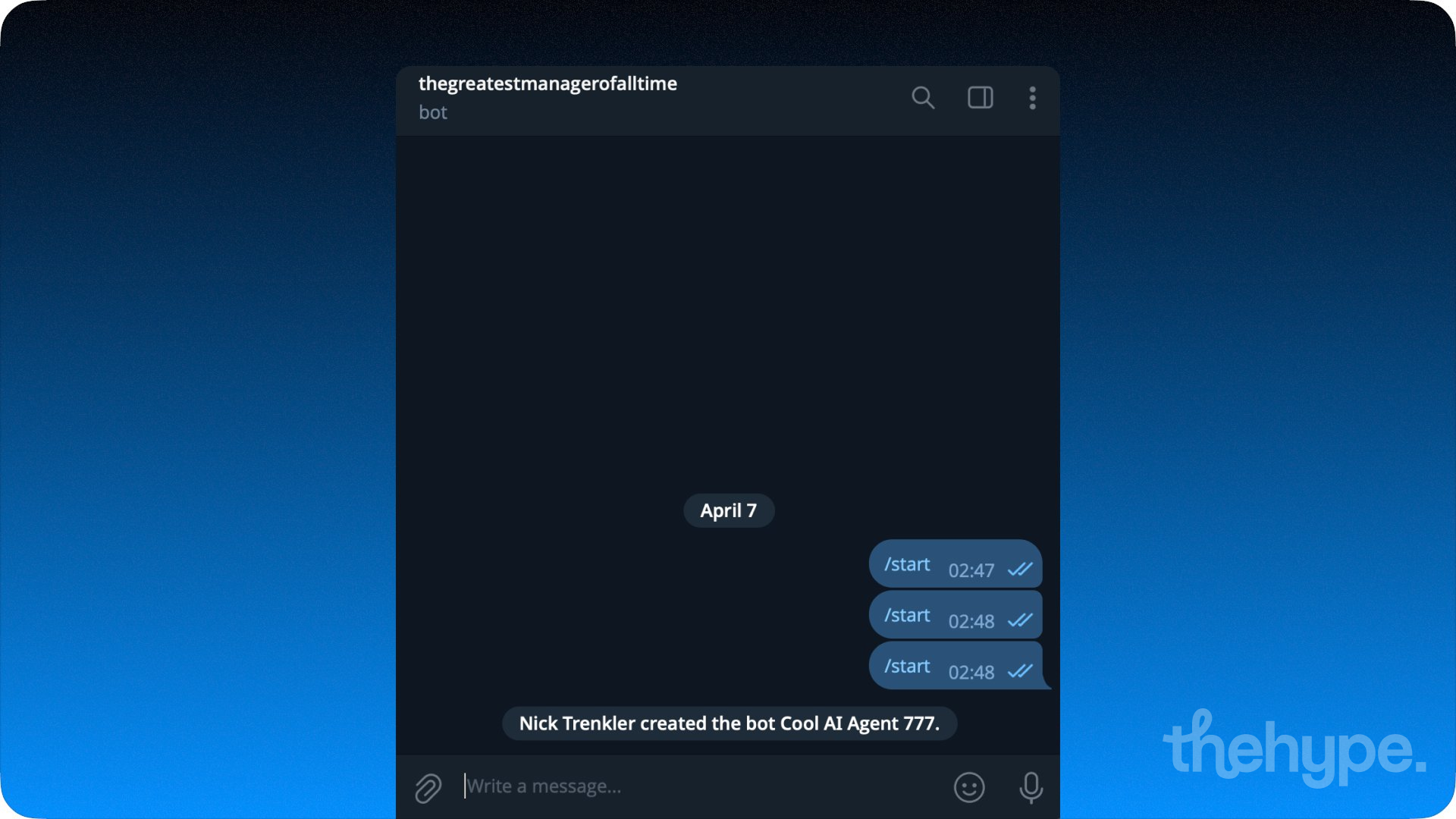
once you receive the ManagedBotUpdated update, call the getManagedBotToken method to retrieve the new bot’s authentication token. this is the token you’ll use to make bot api calls on behalf of the created bot.
if you need to rotate the token for security reasons, use replaceManagedBotToken. telegram will also send a ManagedBotUpdated update whenever a managed bot’s token changes, so your system can stay in sync.
important: store the token securely. you have full control over the managed bot through this token — treat it like any other credential.
step 6: control the managed bot via api
with the token in hand, you can now operate the managed bot exactly like any other telegram bot. use standard bot api methods - sendMessage, setMyCommands, setMyProfilePhoto, setWebhook - all authenticated with the managed bot’s token. you can set up webhooks, process incoming messages, configure commands, update the bot’s profile and description, and handle payments.
your backend essentially becomes a multi-tenant bot platform, routing updates and api calls for each managed bot through a single system.
alternative: creating managed bots from mini apps
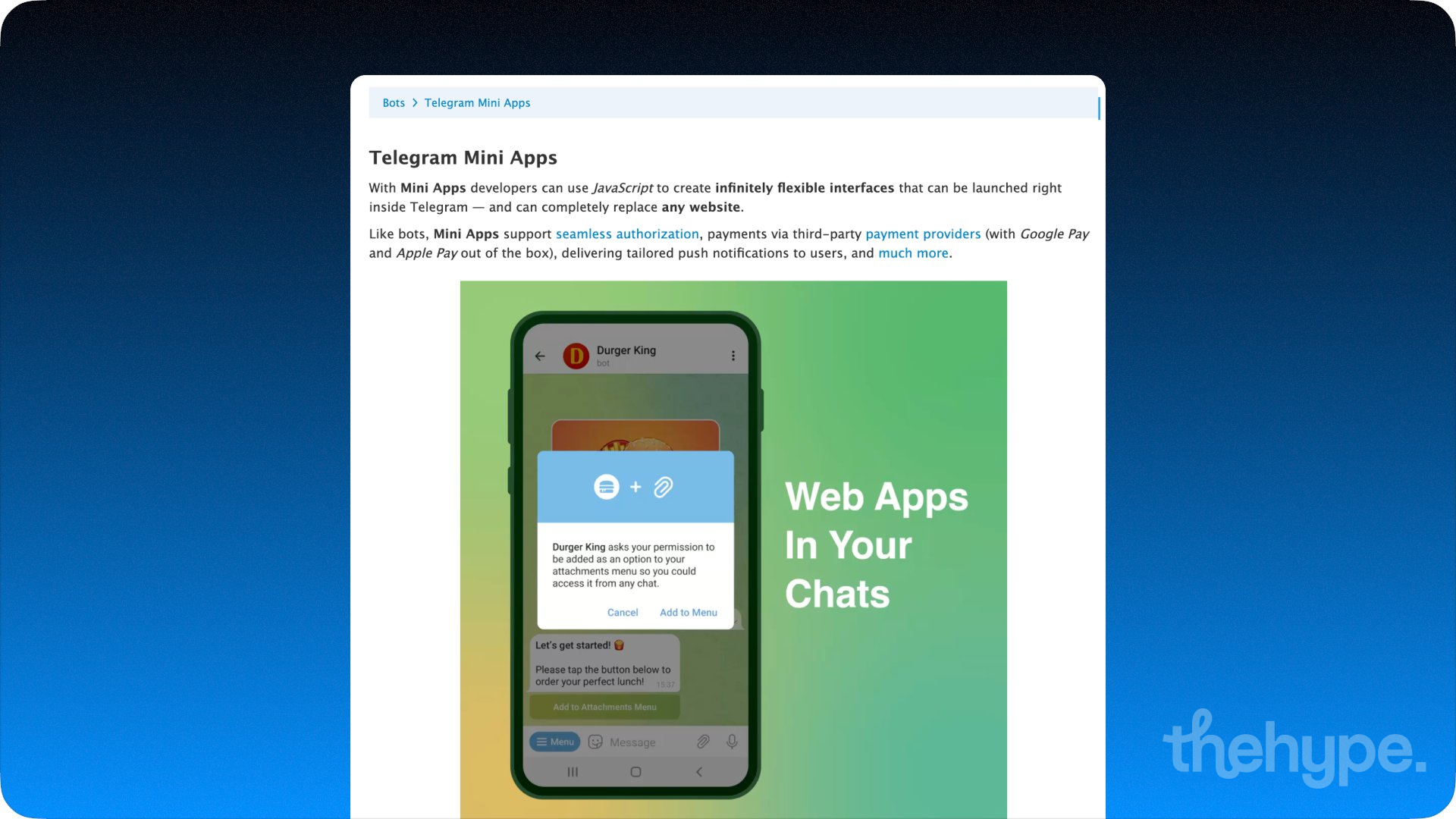
if you’re building a mini app interface rather than using direct links, bot api 9.6 also introduced the KeyboardButtonRequestManagedBot class and the savePreparedKeyboardButton method. these allow you to request bot creation directly from within a mini app using the requestChat method on the WebApp object. the PreparedKeyboardButton class supports requesting users, chats, and managed bots from mini apps, giving you a fully embedded bot creation flow inside your ui.
practical example: one-click ai agent deployment
here’s how this comes together for a real product. say you’re building a platform that lets small businesses deploy their own ai customer support bot on telegram.
1. you build your management bot and enable bot management mode.
2. a business owner visits your landing page or mini app, enters their business name, and picks a bot username.
3. you generate the creation link and the user confirms the bot in telegram.
4. your backend receives the managed_bot update, fetches the token via getManagedBotToken, sets up a webhook pointing to your server, configures the bot’s profile, commands, and description.
5. incoming messages to the user’s bot route through your server, where your ai model generates responses and sends them back via the managed bot’s token.
6. the business owner has a live ai-powered bot - branded with their name, running on your infrastructure, deployed in under a minute.
you can layer monetization on top using telegram stars, subscription plans, or the 50% ad revenue share available to bot developers.
full documentation: https://core.telegram.org/bots/features#managed-bots
bot api 9.6 changelog: https://core.telegram.org/bots/api-changelog
source: https://x.com/durov/status/2040943162663854139?s=20